No accounts · No servers · No tracking
Your whole net worth. Nobody’s business but yours.
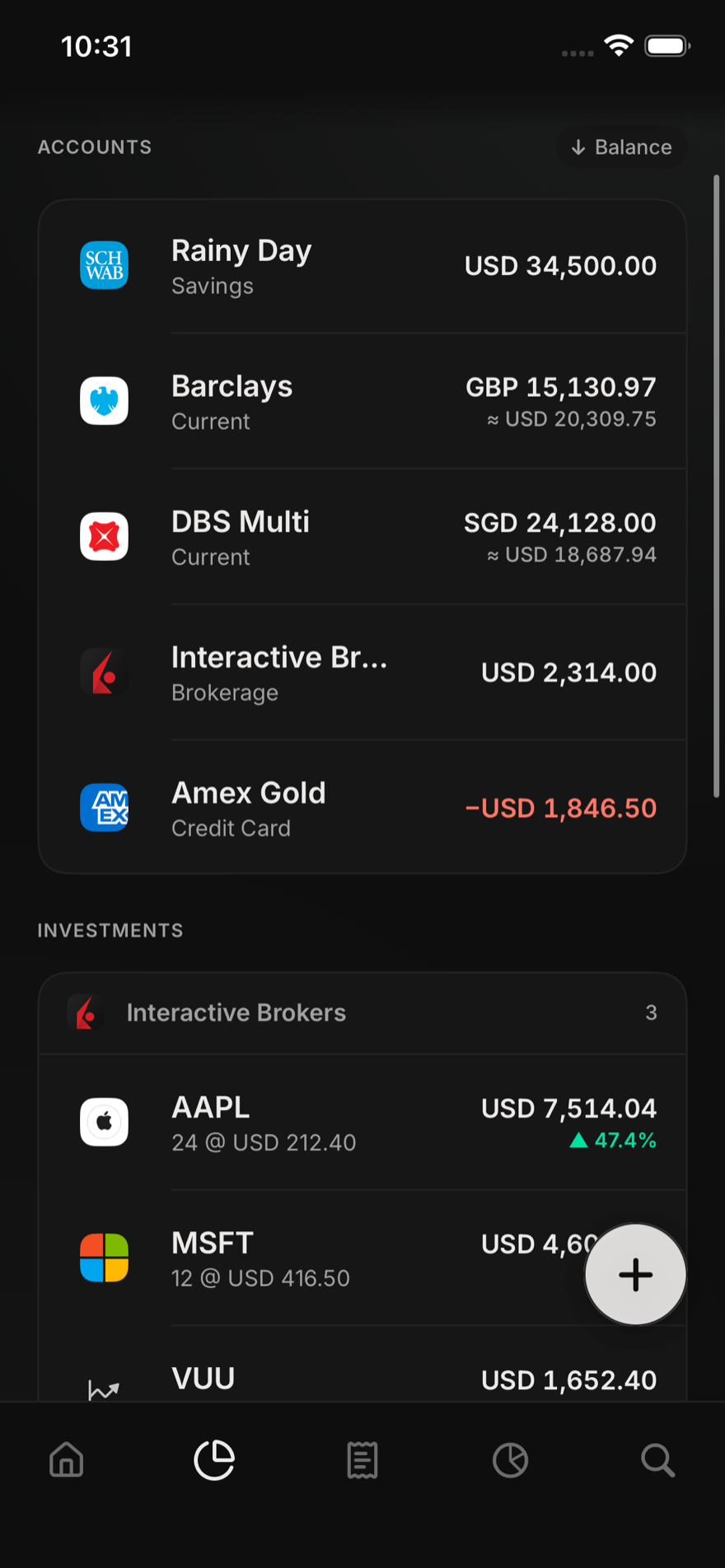
Pixel Finance tracks everything you own on your iPhone: bank accounts, investments, crypto, property and debts, in any mix of currencies. There is no server behind it, so your financial life never leaves your device. iPad and Mac are next.
Download on the App Store Free, no ads · Native iPad & Mac apps in the next update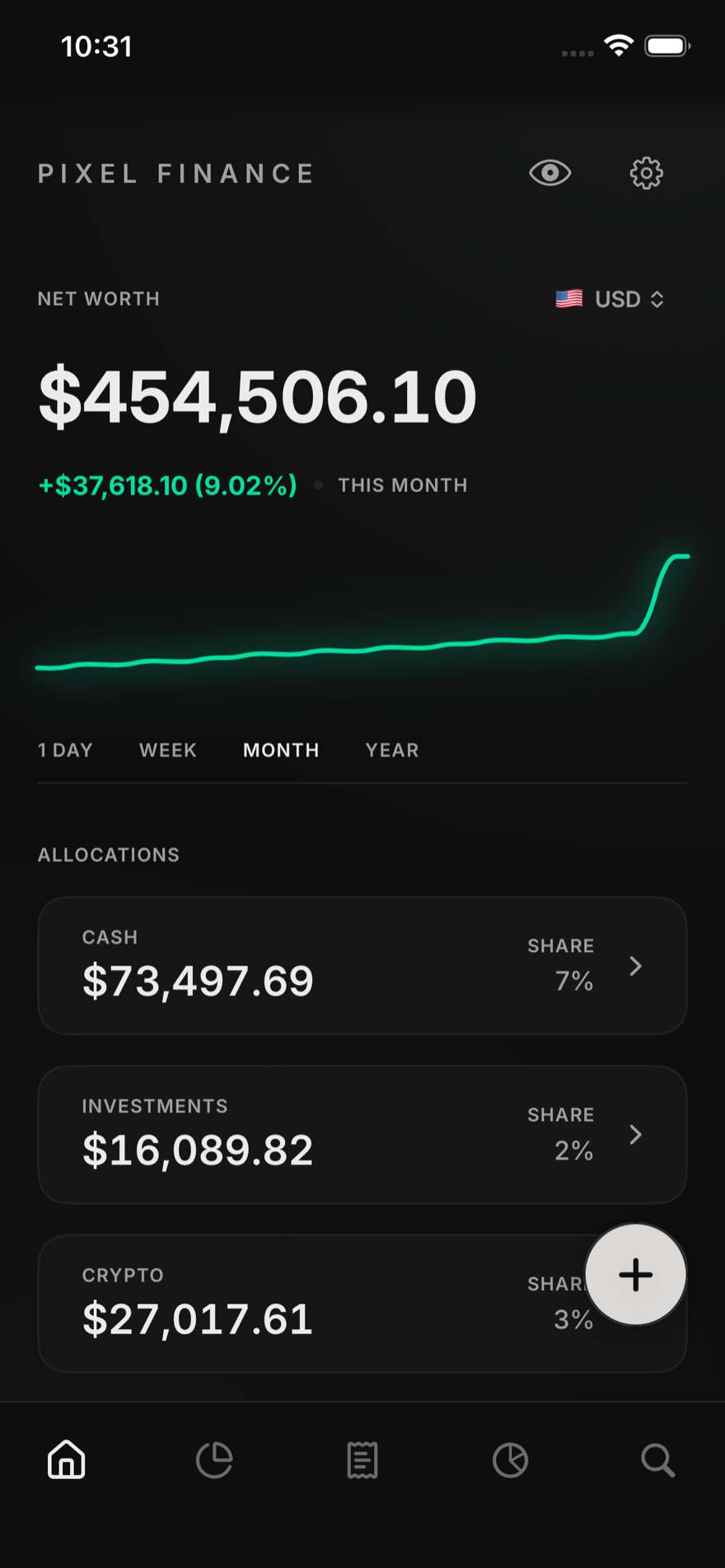
Private, properly
Everything lives in a file on your device, protected by its encryption. No sign-up, no cloud copy, no tracking. The file is yours, and you can take it with you whenever you like.
Every currency, one profile
Most budget apps handle one currency per budget. YNAB and Actual Budget both suggest keeping a separate budget for each one. Pixel Finance holds GBP, SGD, USD, JPY and the rest side by side, with real exchange rates, in a single net worth.
Investments included
Stocks, ETFs and funds on any exchange with live quotes. Crypto tracked straight from a wallet address, gold and silver by weight, pensions from SIPPs to CPF to 401(k)s — plus property, vehicles and anything else you own.
Free to use, no ads
The app is free, with no adverts and no trackers. Going Pro costs $2.99 a month or $24.99 a year, a fraction of what the others charge. Either way, your data is never sold, because we never have it.
One app. iPhone, iPad & Mac.
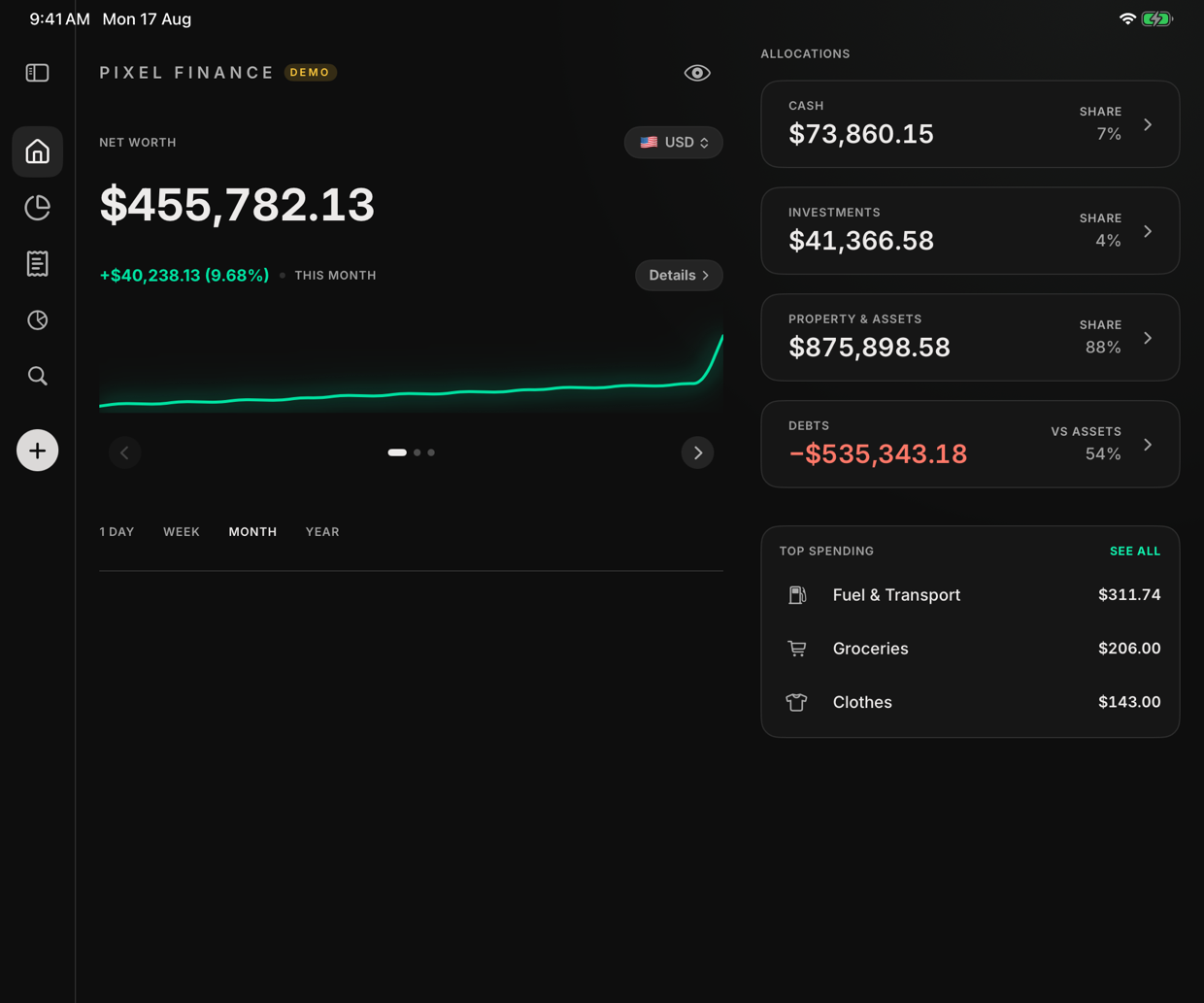
The same app, grown up for bigger screens: a sidebar, two panes side by side, keyboard shortcuts, Touch ID. The native iPad and Mac apps land in the next update, and one download covers every device.
- iPad with a full sidebar layout, not a stretched phone app
- Mac as a real Mac app — menu bar, shortcuts, Touch ID unlock
- Encrypted sync keeps every device on the same number, to the cent
- One purchase — Pro on your iPhone is Pro everywhere
Everything you own, in one place.
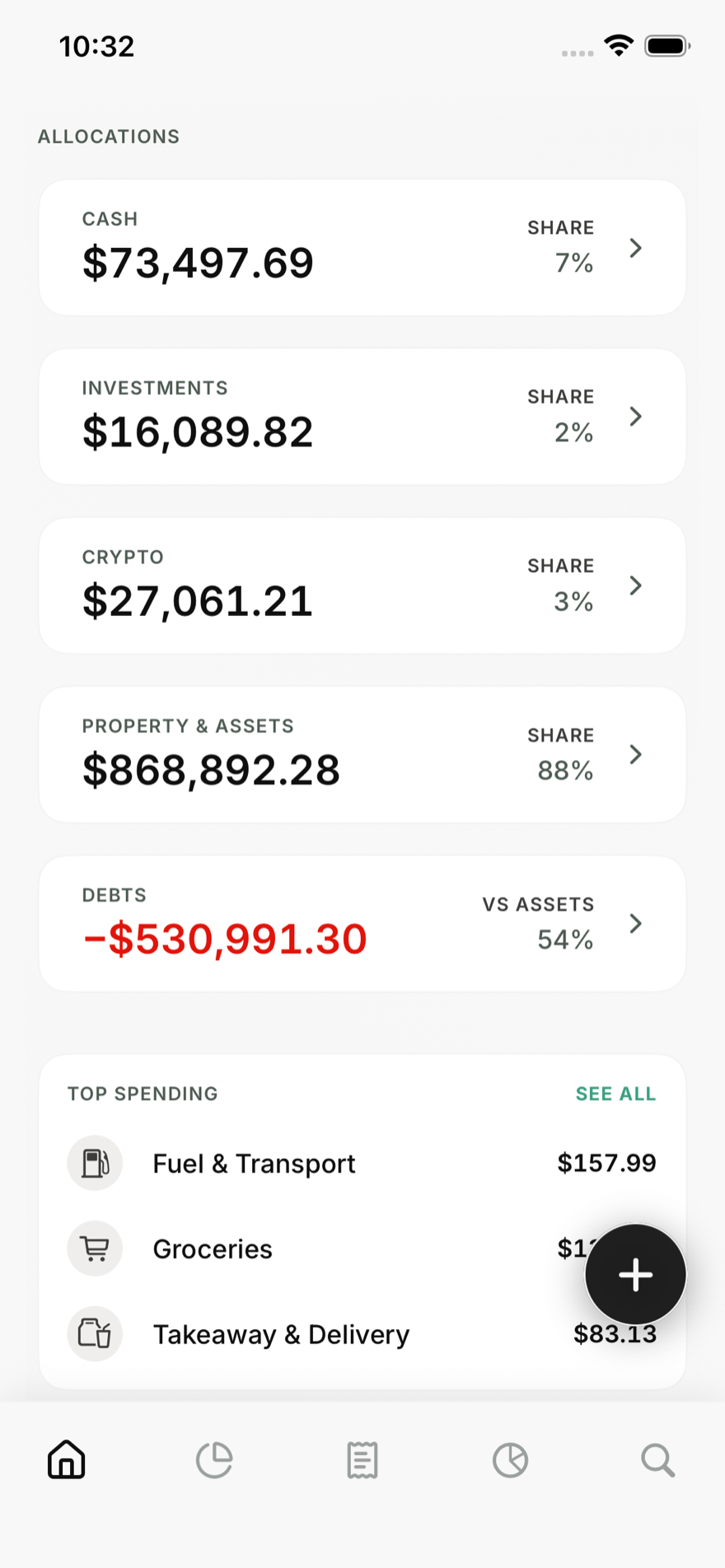
Pixel Finance is built for real portfolios, the kind that end up spread across countries, brokers and currencies.
- Accounts & cards from any bank, in any currency
- Investments with live quotes, crypto by wallet address, gold by weight
- Pensions — SIPP, CPF, 401(k) — kept in their own bucket, apart from money you can touch
- Property, vehicles & valuables alongside mortgages and loans
- “Why it changed” splits every move into markets, currency and spending
- Separate profiles for a partner or a business, switched in a tap
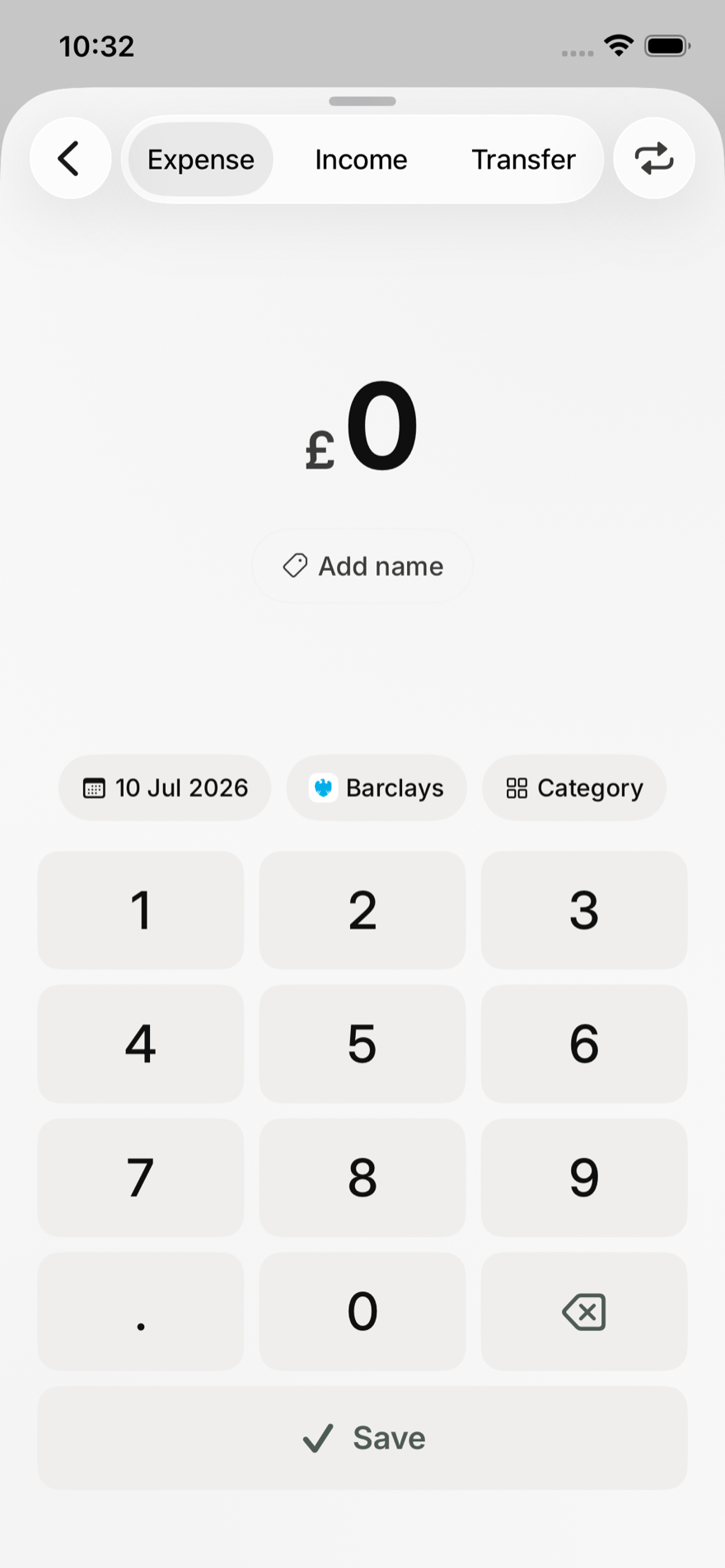
Fast enough to actually use.
Log a coffee in three taps. Point the camera at a paper receipt and it becomes a transaction, read entirely on your phone, in your language and your currency.
- Quick entry: amount, account, done — with a calculator built into the keypad
- Receipt scanning that never uploads a photo
- Recurring payments that log themselves
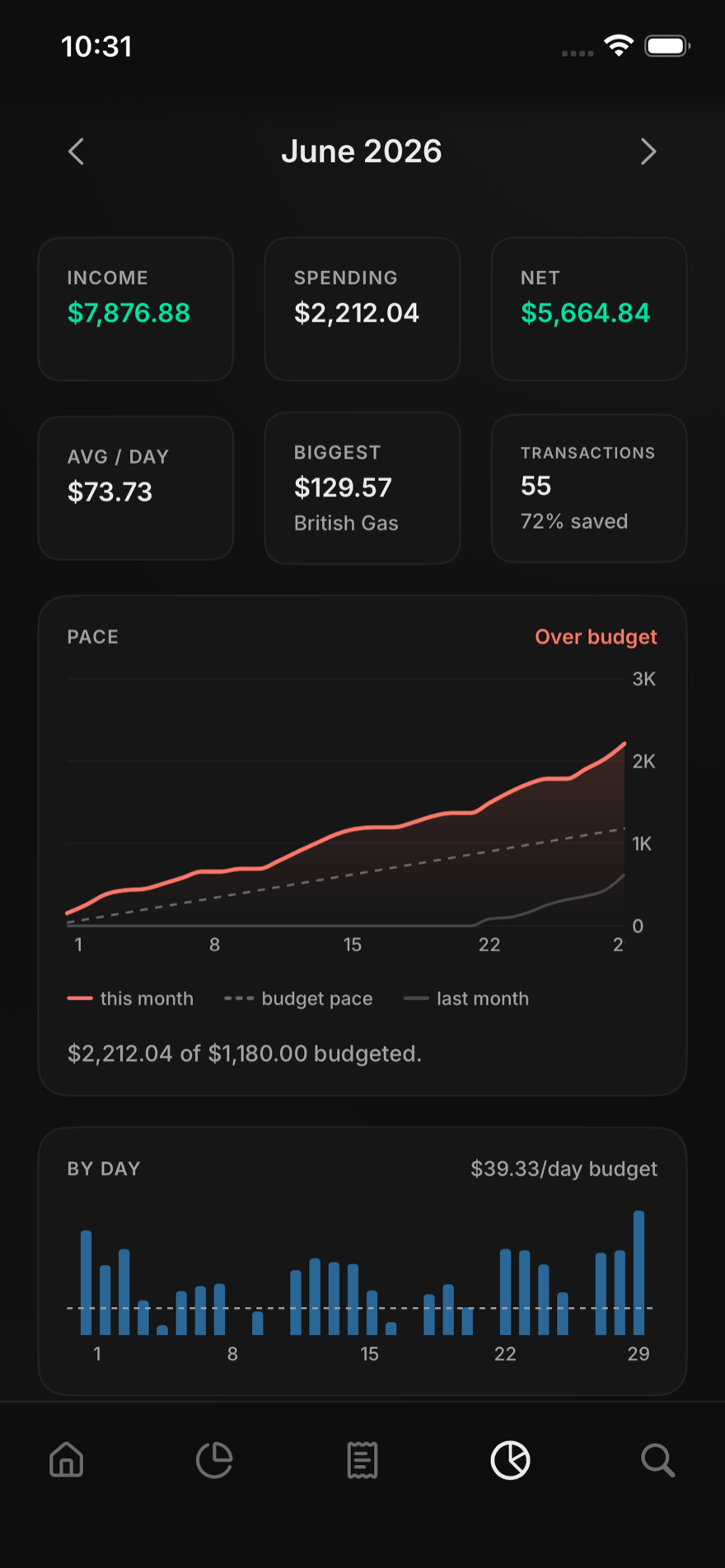
- Budgets that tell you where you’ll land this month, not just where the money went
- Goals that put a date on what you’re saving for
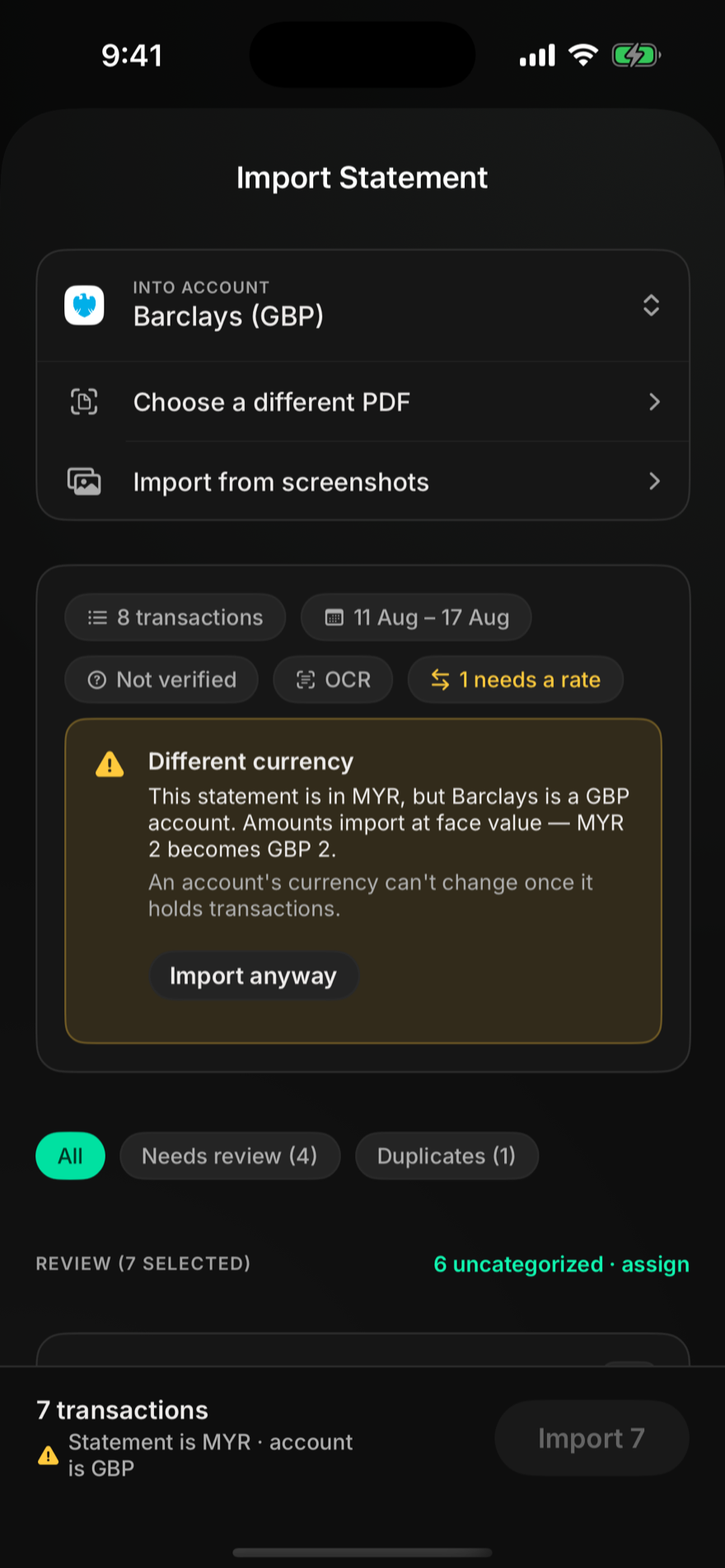
Drop in a bank statement. It does the reading.
Import the PDF your bank gives you — no CSV exports, no handing your bank login to a third party. Every page is read on your device, and the app tells you what it isn’t sure about instead of guessing quietly.
- Any bank’s PDF — table layouts, OCR for scanned pages
- Screenshots import too, straight from your banking app
- Duplicates get caught, categories suggested, merchant names cleaned up
- Currency checked — a MYR statement never slips into a GBP account unnoticed
Statement import and receipt scanning are Pro features.
How it compares
YNAB, Actual Budget and PocketSmith are all good tools. Here is where they differ, based on their own pricing and support pages, checked July–August 2026.
| Pixel Finance | YNAB | Actual Budget | PocketSmith | |
|---|---|---|---|---|
| Price | Free; Pro is $2.99/month or $24.99/year | $14.99/month or $109/year | Free, open source | Free tier; paid plans from $9.99/month |
| Multiple currencies in one budget | Yes, with live exchange rates | No, one currency per budget | No, manual workaround only | Yes, on paid plans |
| Investment tracking | Per holding, with live prices | Account balances only | None | Balances only; holdings need Sharesight |
| Crypto | Yes, straight from a wallet address | No | No | Bitcoin as a currency only |
| Reads PDF bank statements | Yes, on your device | No — CSV/OFX files only | No — CSV/QIF/OFX files only | No — bank files only |
| Works without an account | Yes, nothing to sign up for | No | Yes, if you host it yourself | No |
| Where your data lives | On your device | Their servers | Your device, or a server you run | Their servers |
| Native apps | iPhone; iPad & Mac in the next update | iPhone & iPad; web on the Mac | Web app; desktop build is unsigned | Web; companion mobile app only |
YNAB, Actual Budget and PocketSmith are trademarks of their respective owners. Pixel Finance is not affiliated with, endorsed by, or connected to any of them — their names appear here only to compare products, using their own public pricing and support pages. If we have got something wrong, tell us and we will fix it: hello@pixelfinance.org
Common questions
Is it really free?
Yes. Tracking accounts, investments, crypto, budgets, goals and insights is free, with no ads and no trial clock. Pro ($2.99/month or $24.99/year) adds the automation: PDF statement import, receipt scanning, encrypted multi-device sync, and unlimited accounts and budgets (free includes 10 of each).
Where does my data actually live?
In the app’s database on your device, protected by its encryption. We run no servers and hold no copy. The app’s only network requests are for public reference data like exchange rates, market prices and logos, and every endpoint is listed in the privacy policy.
Does it connect to my bank?
No, deliberately. Bank connections mean an account with someone’s server and a third party holding your credentials. Instead you import the statement your bank already gives you, or snap receipts as you go. Everything is read on your device.
Does it work offline?
Yes. Everything except live prices and exchange rates works with no connection at all, and rates are remembered so your net worth still makes sense offline.
What if I have money in more than one country?
That’s the point. Accounts keep their native currency, exchange rates are locked at the time of each purchase, and the app shows one net worth in whichever base currency you pick. You can switch it any time and your history comes with you.
Can I get my data out?
Always: CSV export for transactions and an encrypted full backup you can restore on any device. Delete the app and the data is gone — there is no copy anywhere else.